
How to use the app like a pro
Published March 25, 2025
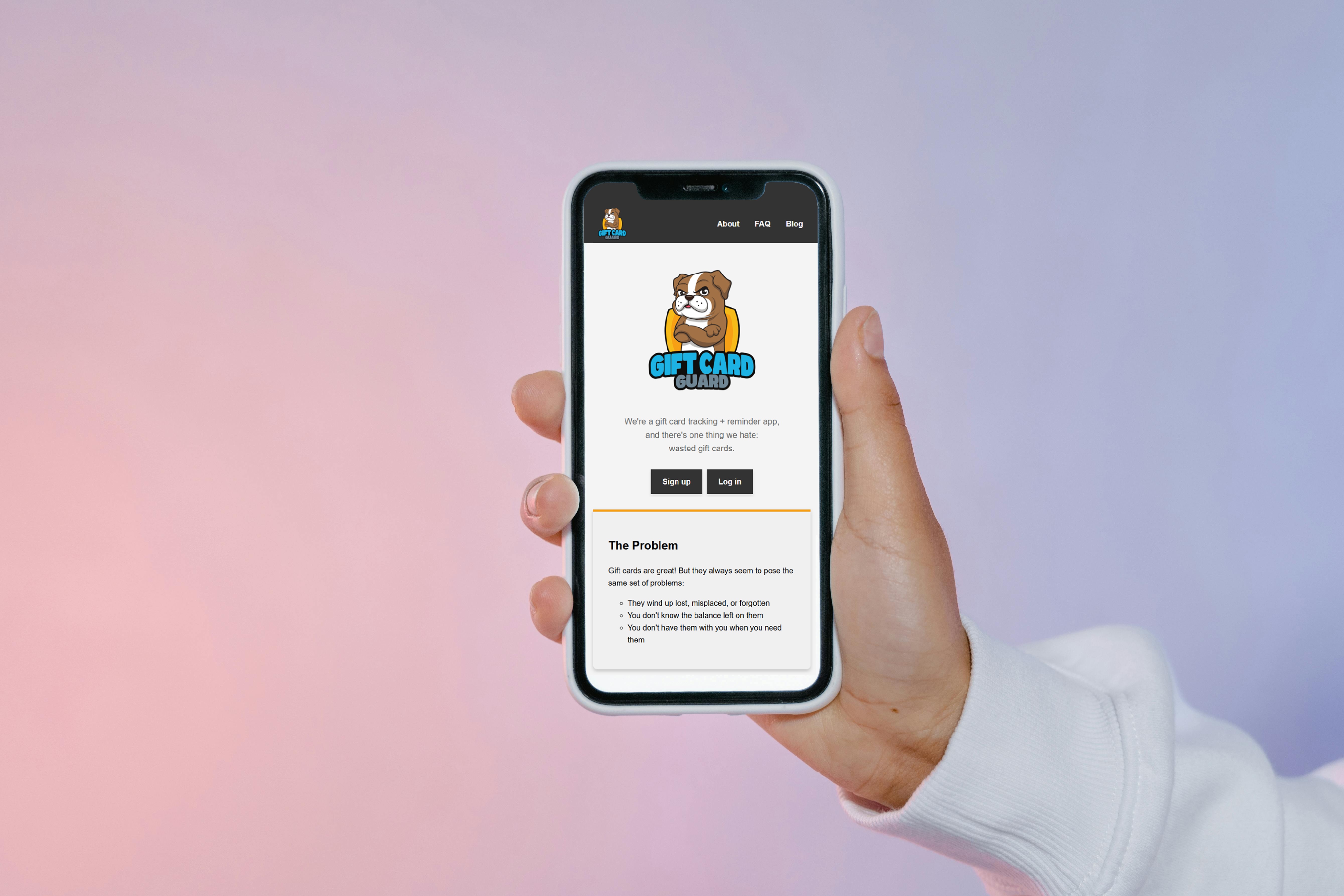
1. Uploading a card ➕
The secret to gift cards? Make sure they never have a chance to get lost or forgotten. Whenever you get a new one, snap a photo and upload it immediately. It only takes 30 seconds! Just be sure to use your phone for the smoothest experience.
2. Exchanging a card 🔄️
Did you receive a gift card for a store you don’t like? Let us know at info@giftcardguard.com. Depending on the brand, we might be able to exchange it for cold hard cash.
3. Your monthly recap email 🔔
Gift cards probably aren’t the #1 thing on your mind. To keep them on your radar, we’ll send you a monthly recap email, listing out all the active gift cards in your account.
4. Paying from your phone 📱
Using a gift card for an in-store purchase? You can pay straight through the app—no more digging through your wallet or email inbox. If your photo includes a barcode, that should scan no problem. If not, the cashier should be able to key in your card number.
5. Paying online 💻
Prefer online shopping? Say goodbye to the days of typing in a 16- to 19-digit card number (...and then re-typing it after you catch a typo). You can easily copy and paste your card number and pin straight from the app.
6. Updating a balance 🛒
Didn’t spend the full amount? It’s simple to update a balance in the app. Hit “edit” and type in the new amount remaining on your card. Just promise us you won’t write it on the back of your card with a Sharpie. There’s a better way!
7. Marking a card as “used” ☑️
Spend every last penny? You deserve a high-five. But don’t forget to mark that card as “used” in the app. That way, you don’t try to use it in the future and it’s removed from your monthly recap email.
8. Adding contacts and notes 📝
The most underrated part of getting a gift card? Sharing a fun memory with the person who gave it to you. Within the app, you can keep track of who gave you each gift card and what it was for. After you put a gift to use, your thank-you notes will be a piece of cake.